
Hello dear Client for Google Photos users!
If you log in your account with our App and see nothing but this warning (look at the picture below). Don`t worry, there is a way which will help you out!
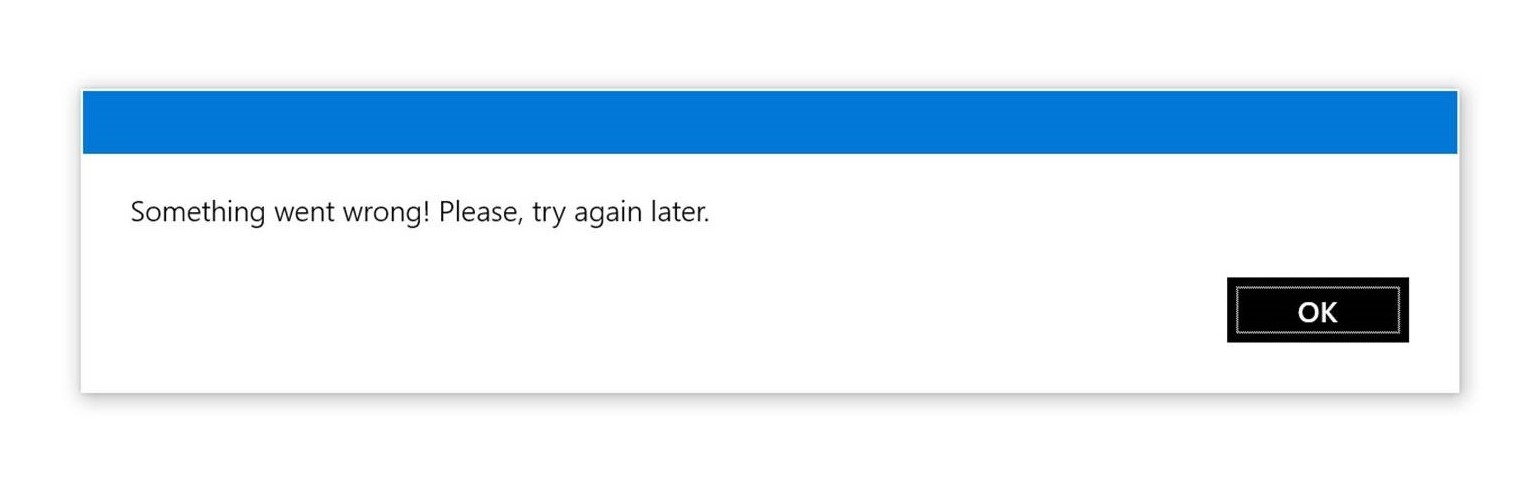
First of all, you should open Credential manager on your device (pic. Credential 1).
Then you should find "Client Google Photo Credentials" and delete them (pic. Credential).
After this operations, try ti sign in again.
We hope it was helpful for you. In case you need our support, don`t hesitate to get in touch with us support@attractormobile.com :)
Best wishes,
Customer Support of
Attractor Mobile Software

